
VXLUse product images and text to find similar items, recommend outfits and identify attributes
VXL analyzes product images and descriptions to find similar items, recommend outfits and return structured data on categories and attributes. Explore how the three features work, from input to result.
Discuss VXL integration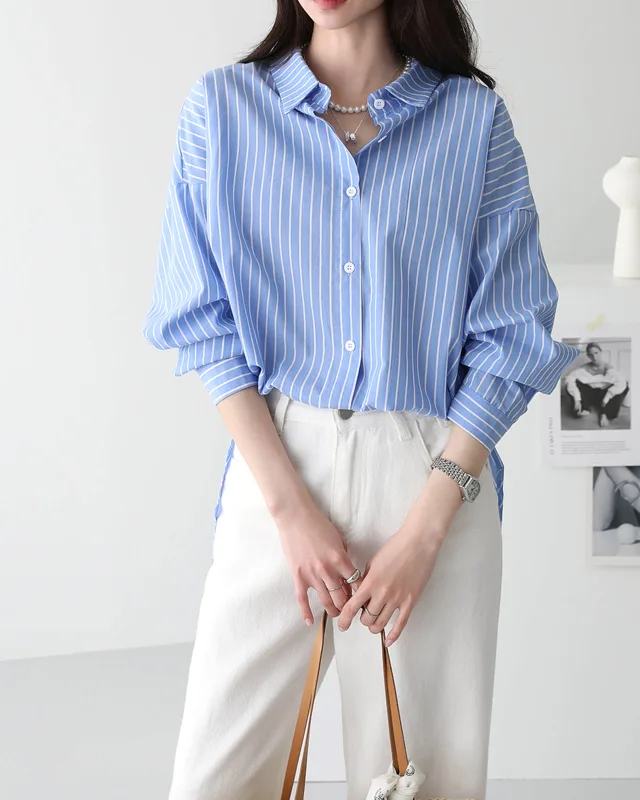
Find similar styles from a photo of clothes you spotted
A screenshot of a dress you spotted on Instagram or TikTok can help you find similar styles. This example uses products offered for sale.
How the service works
VXL analyzes a photo taken or uploaded in an app or on a website and returns a list of similar products. The retailer displays the results in its own service.
Customer use cases
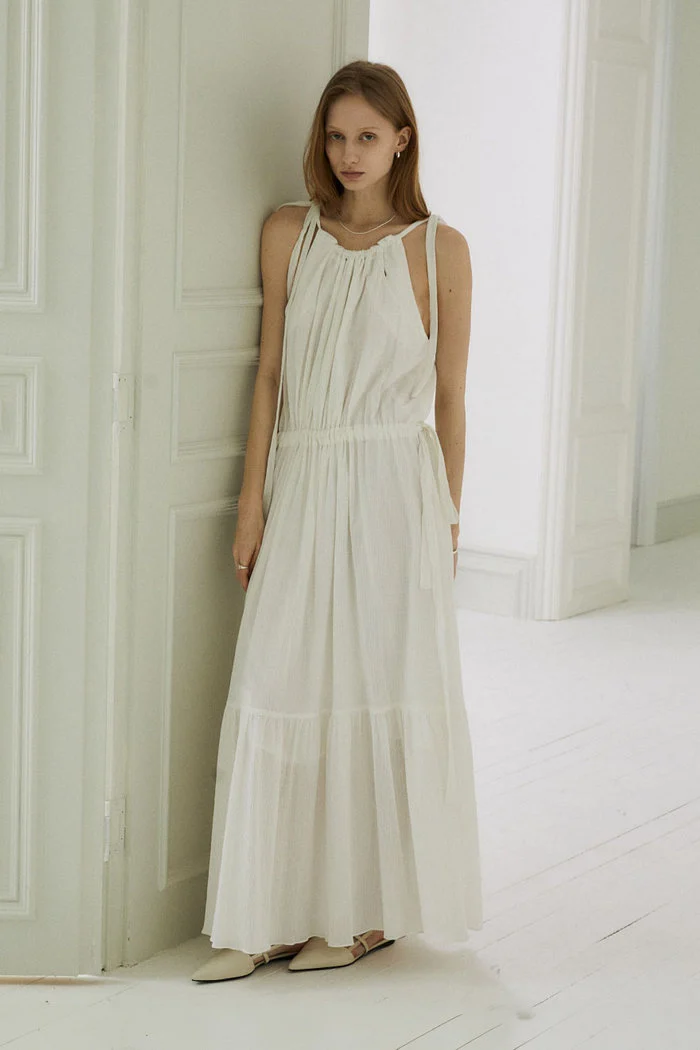
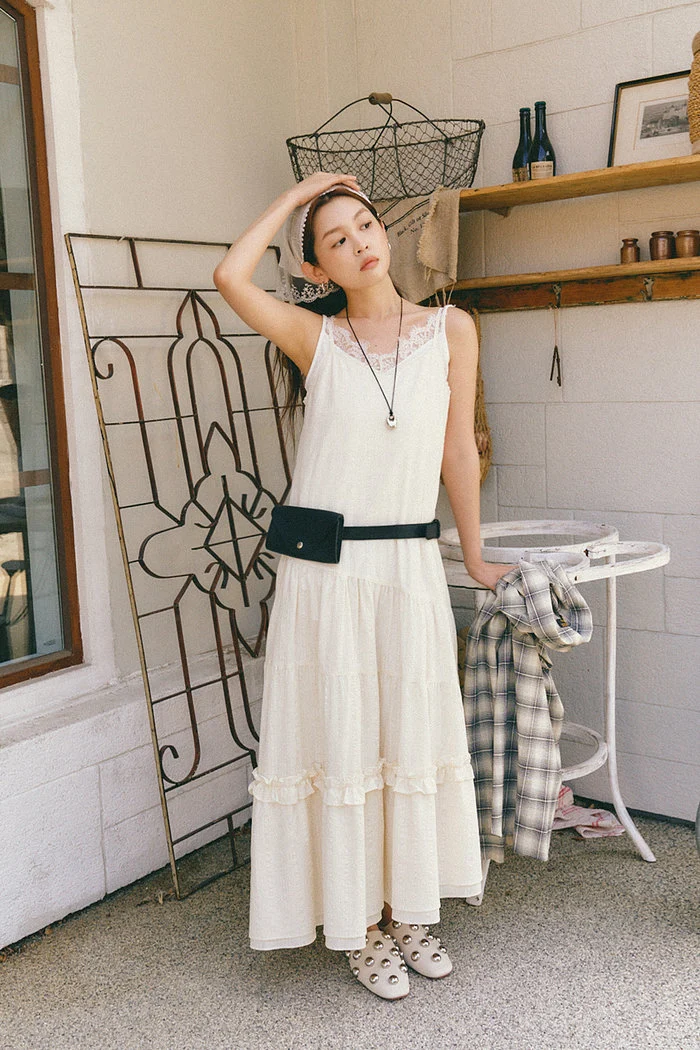
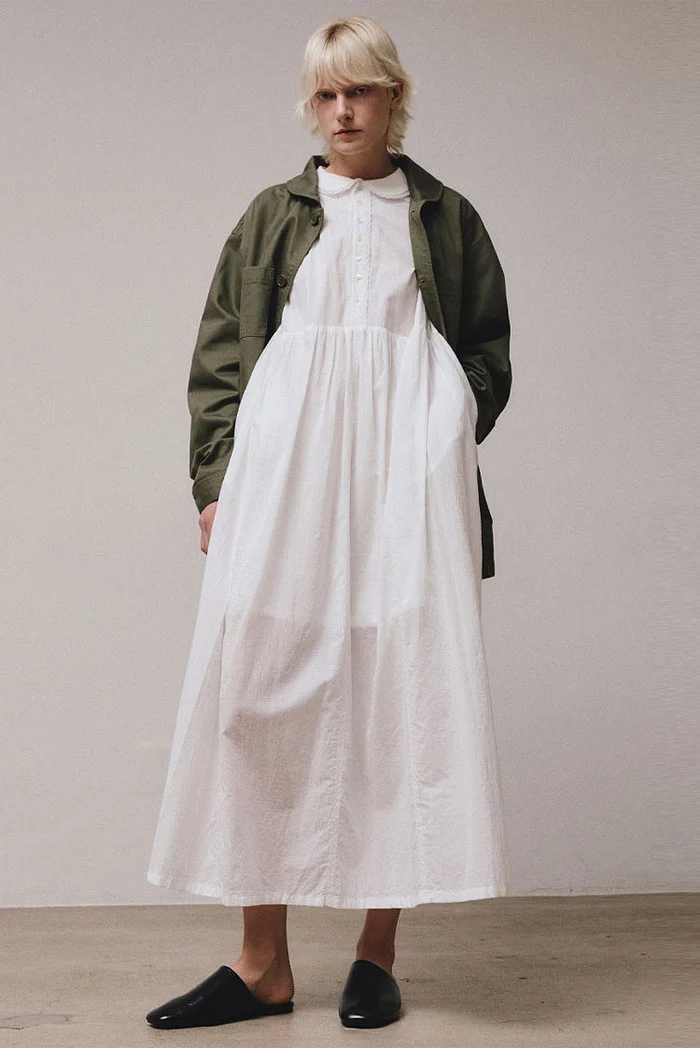
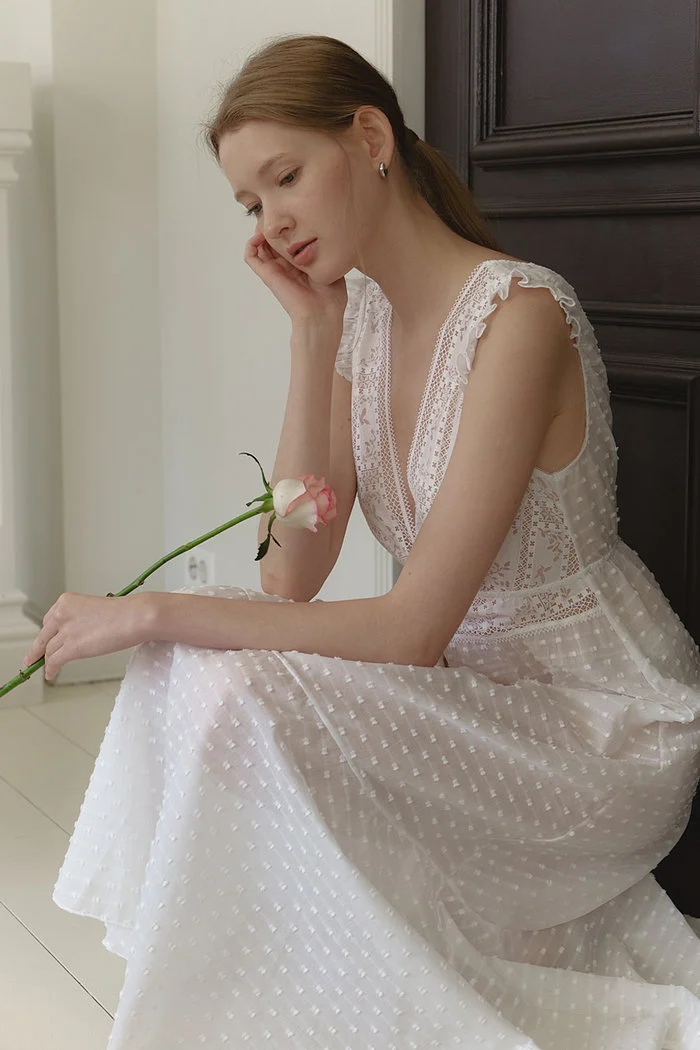
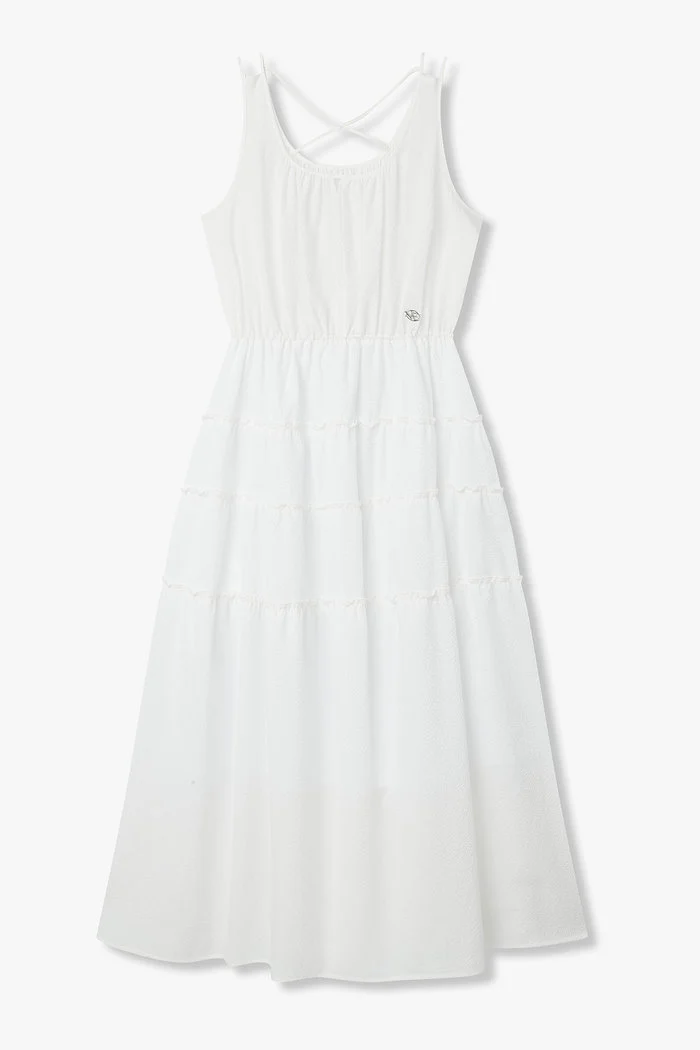
- Spot it on social You spot clothes you like in a post on a service like Instagram or TikTok (sample screen).
- Capture and pick Take a screenshot of the clothes and pick it from your photo album.
- Similar styles Compare four dresses with silhouettes similar to the one in the photo.
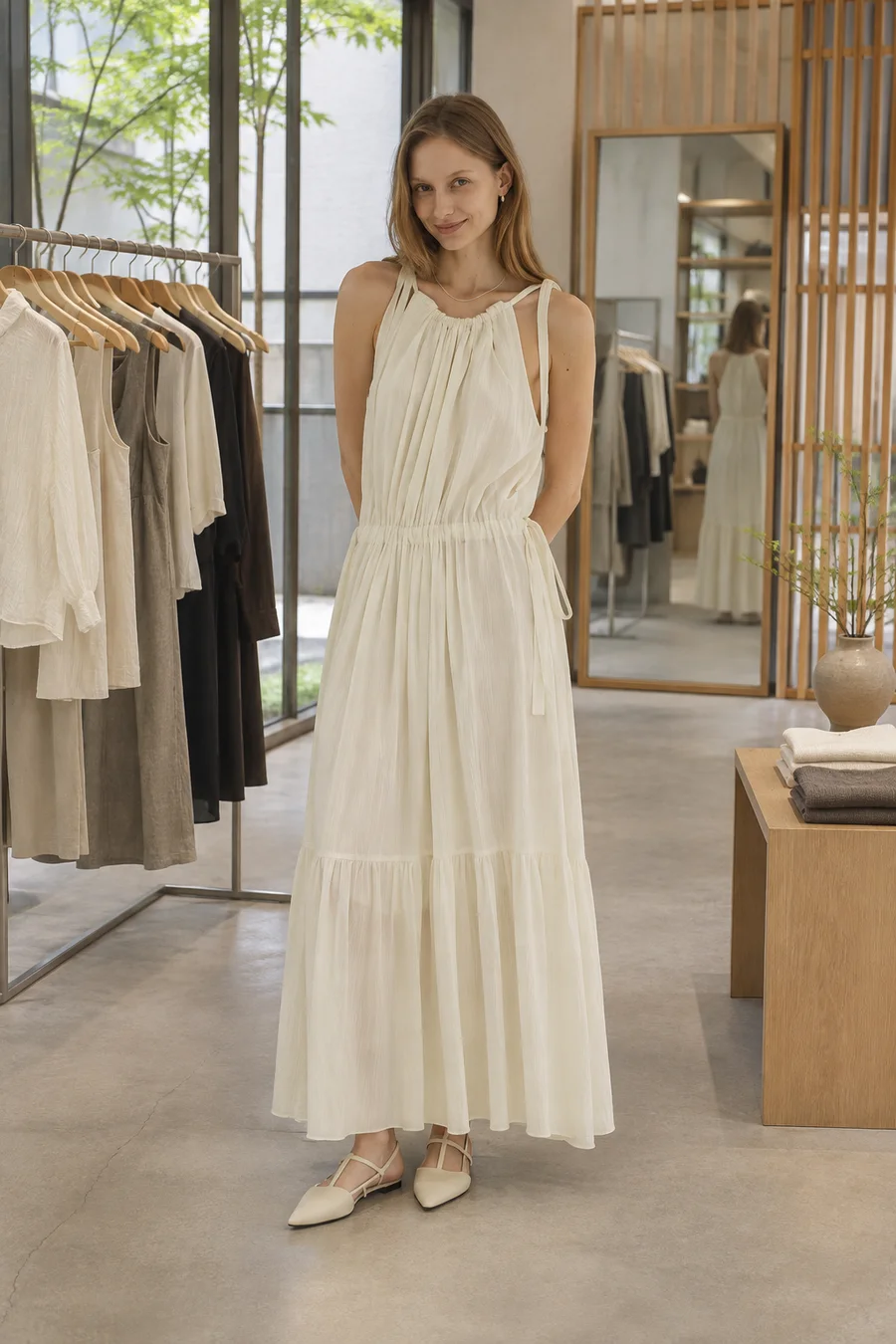
Find a dress you saw in store
A customer walks into a boutique wearing a white dress. A photo of it being worn brings up dresses with a similar length and silhouette.
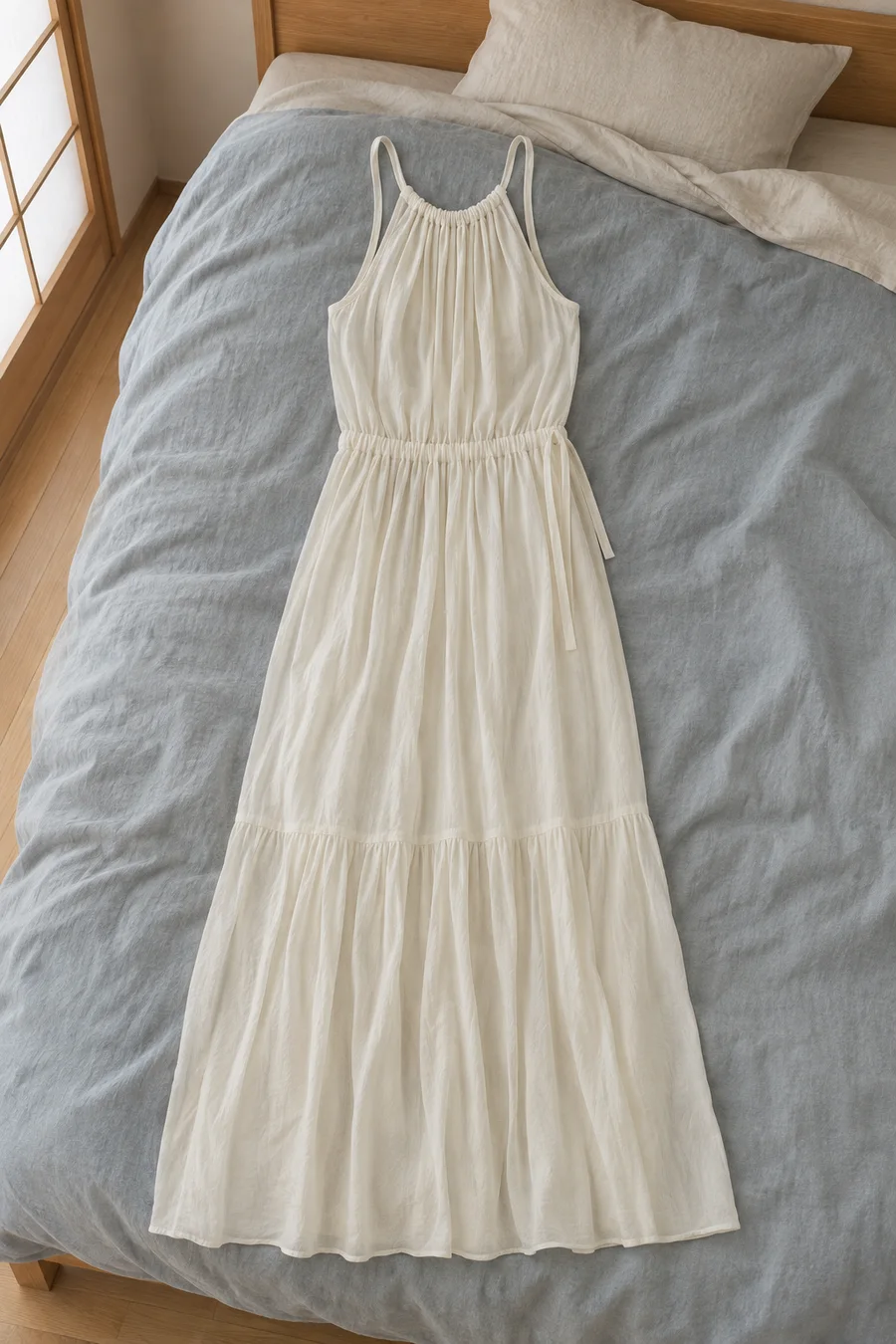
Find a match from a flat lay at home
Lay the same dress on the bed and photograph it from above. Explore similar styles without trying it on.
Find similar dresses from a product page
Start with the product photo of a dress you like. Keep the original in view and compare the sleeves, waistlines and hems of four similar styles.
Build an outfit around a product
Choose a starting item to find pieces from the same retailer that go well with it.
How the service works
VXL uses a product’s main image to recommend matching items from the retailer’s catalog. The retailer displays the recommendations on its mobile and desktop product pages.
Customer use cases
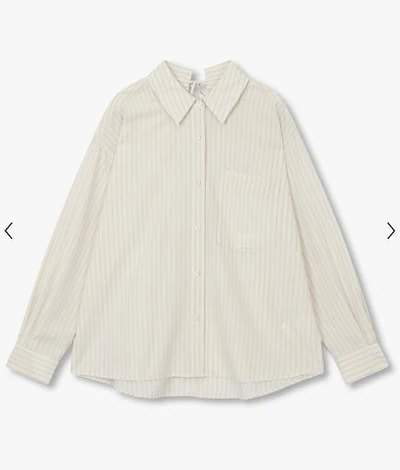
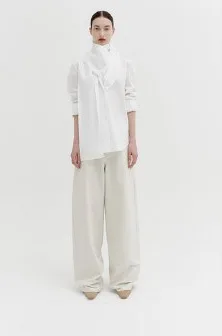
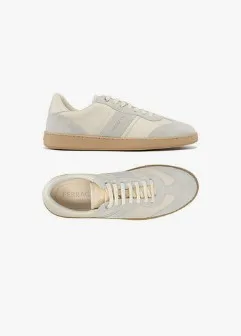
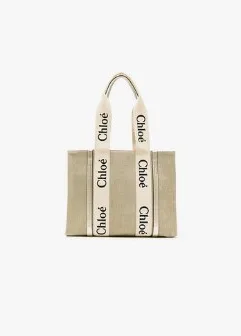
- Choose an item — Choose the ivory shirt as the starting item.
- Matching pieces — Find matching items in the bottoms, shoes and bags categories.
- View the outfit — Use the main product image to recommend matching pieces from the same retailer.
Turn product photos and descriptions into filters and collections
Use front, back and side views alongside the description to identify attributes such as category and pattern. Use these attributes for search filters and curated collections.
How the service works
VXL analyzes front, side and back views and product text, then returns category and attribute data. Retailers can use it to build filters and curate collections. Integration is available via API or by exchanging data files at a specified path.
VXL also recommends products based on style preferences drawn from browsing, cart and purchase history.
The product description was written for this example.
Sample attributes
- Category · Shirt
- Pattern · Stripes
- Color · Blue
- Detail · Back ribbon
Example shirt collection
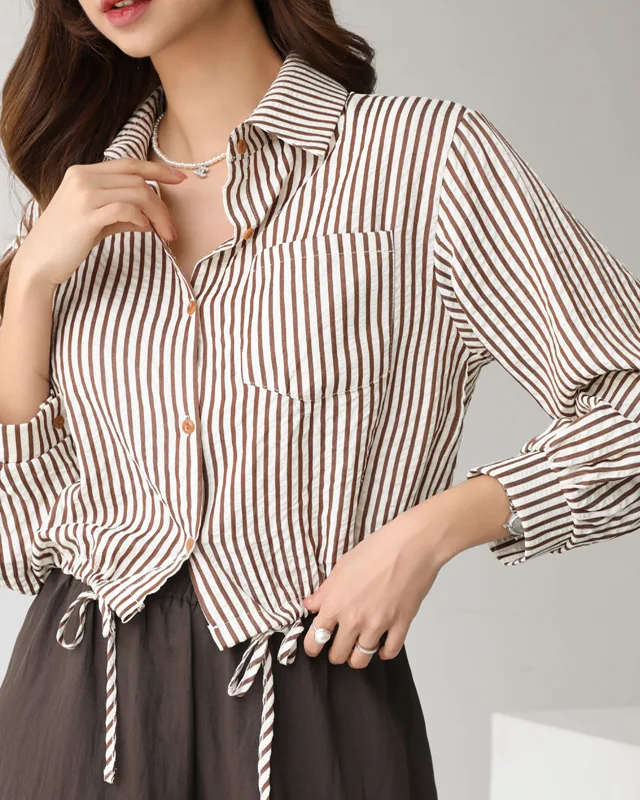
Brown stripes
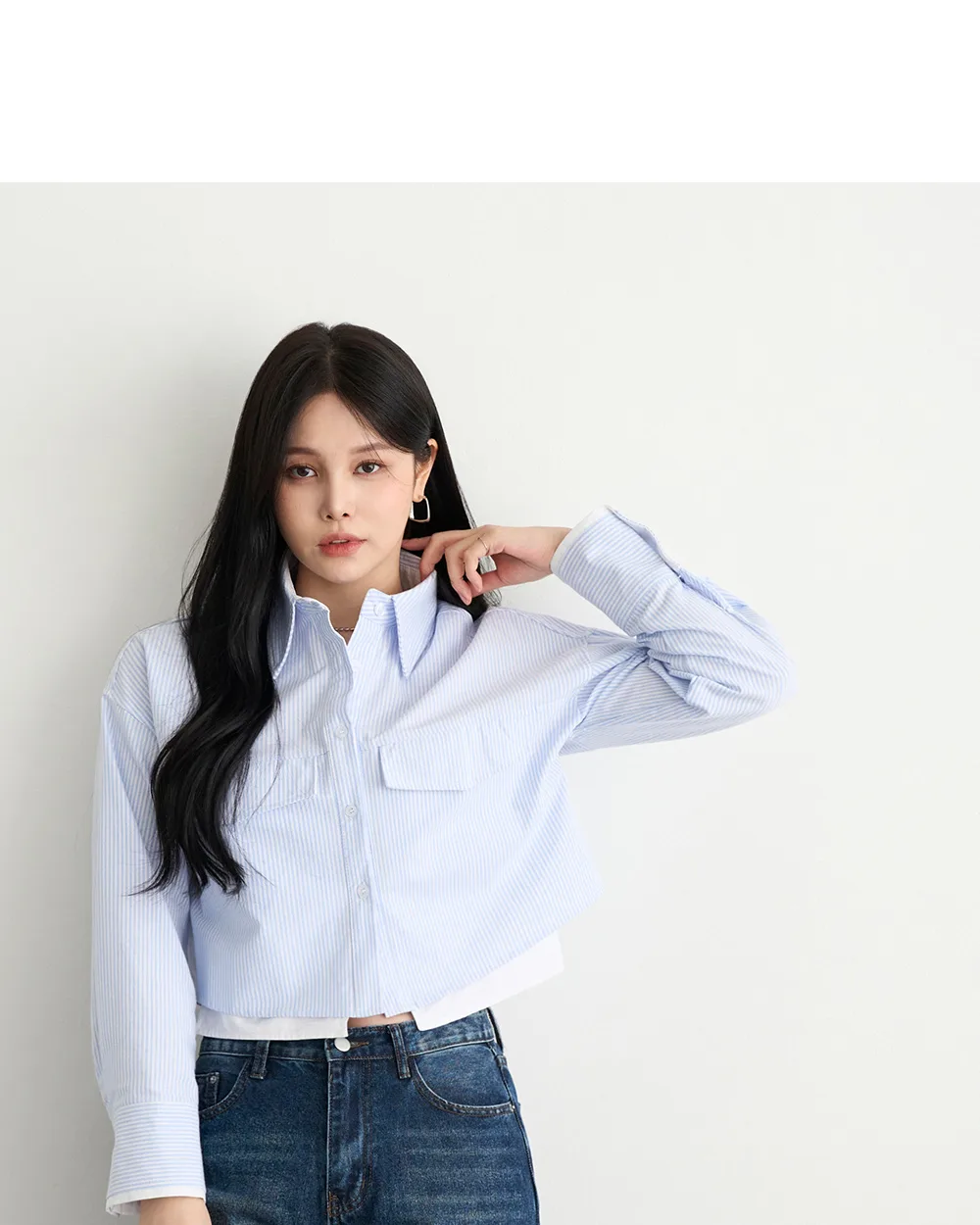
Light blue stripes
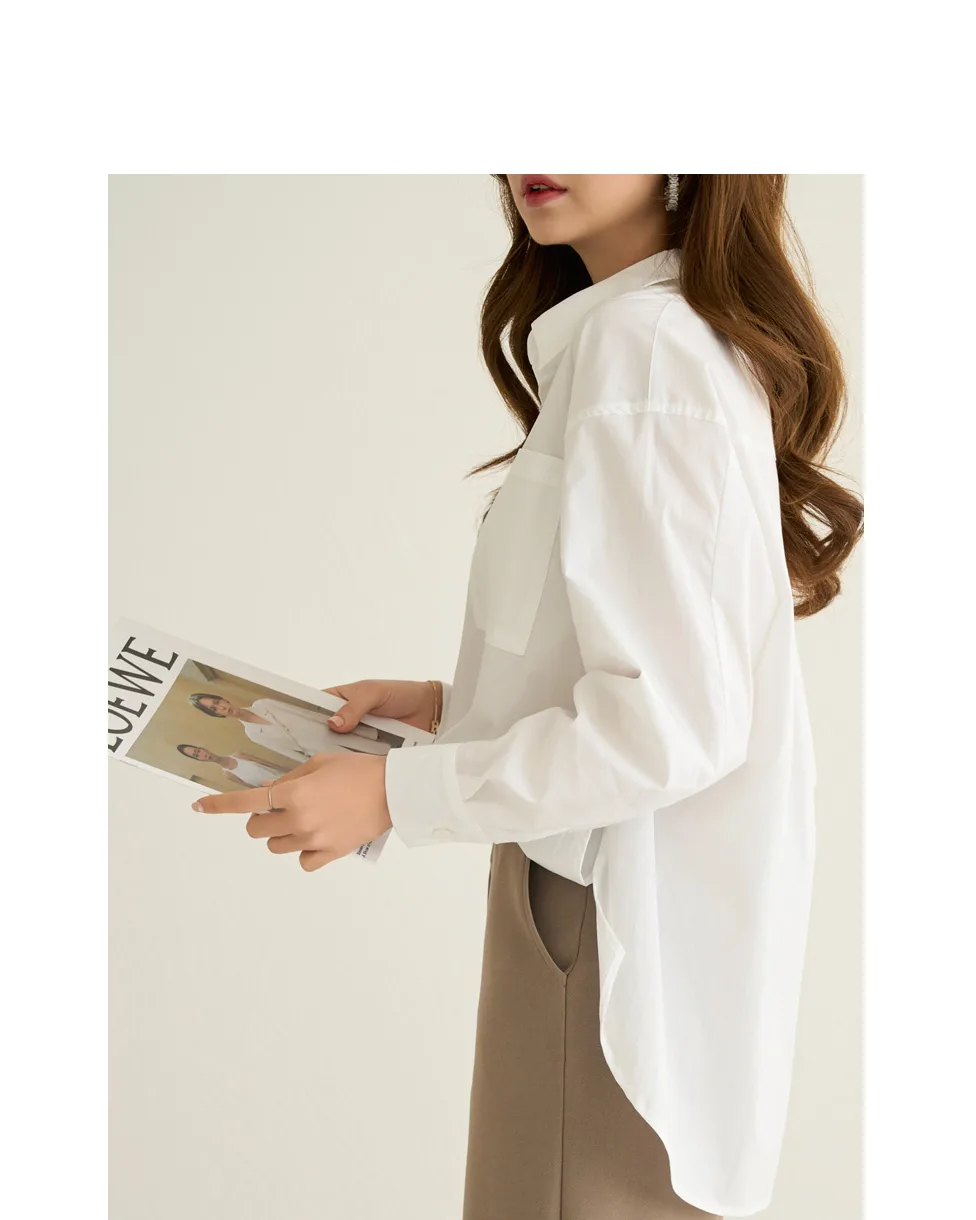
Plain white shirt (all shirts view only)
Filtering for stripes leaves the two striped shirts in the collection. The plain white shirt appears only when viewing all shirts.
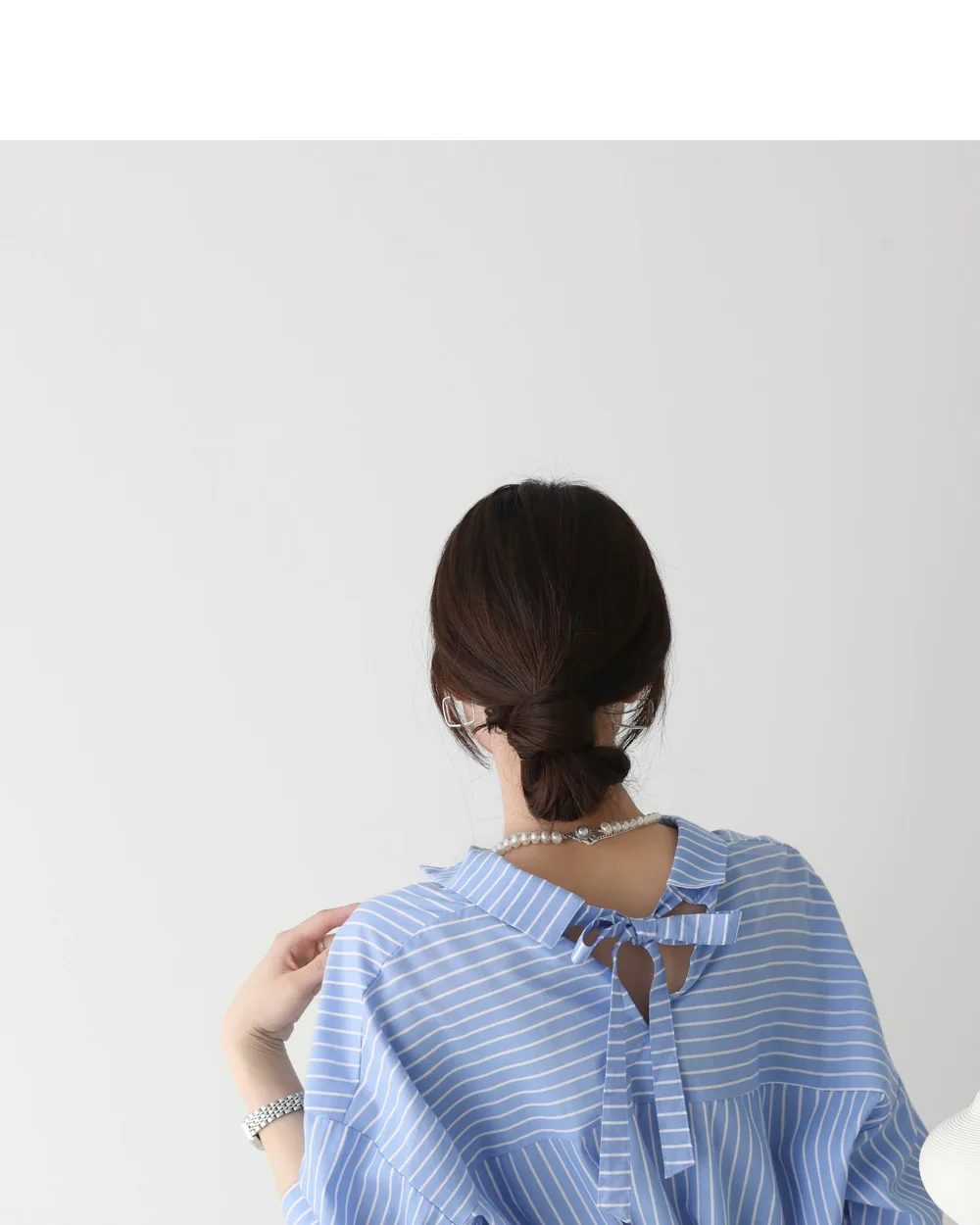
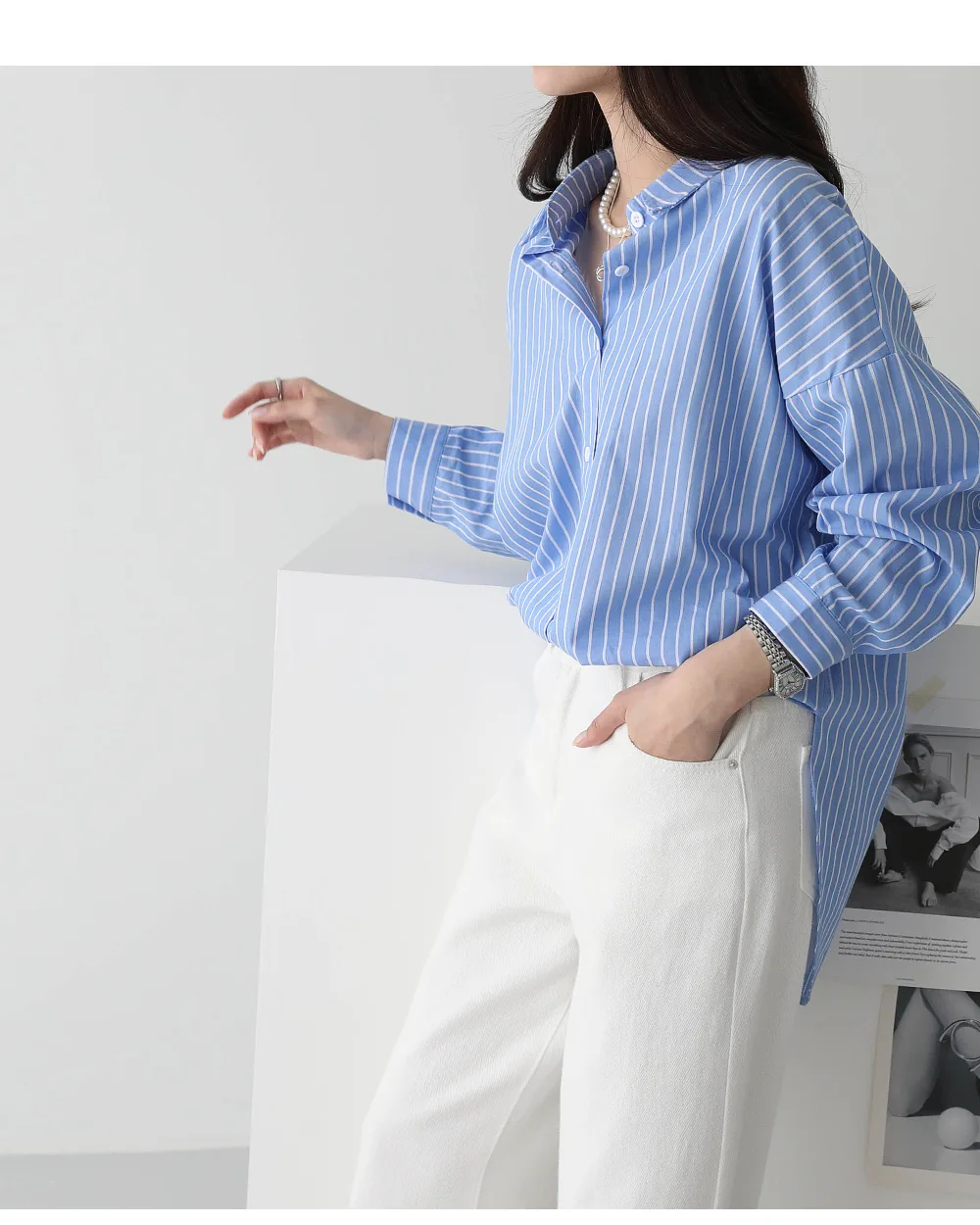
- Images and text — Start with front, back and side views and the product description.
- Extract attributes — Identify the category, pattern, color and details, including the ribbon visible in the back view.
- Filter and curate — Apply the stripe filter to create a striped-shirt collection.
Find the right pieces in each new delivery
Hundreds of new arrivals to review today? VXL automatically organizes attributes from connected product photos and descriptions. Compare counts by color or material to build a shortlist for your next collection.
Catalog overview · fictional figures
- Connected products
- 1,240
- Products eligible for similar recommendations
- 1,180
- Attribute types
- 18
- Categories
- 8
Newly connected products
Analysis starts automatically when product photos and descriptions arrive.
How many products share an attribute?
Compare how many products share each attribute.
Color
- Black438 items
- Yellow216 items
Material
- Linen163 items
- Cotton98 items
Season
- Autumn284 items
- Spring176 items
Style
- Chic & trendy204 items
- Minimal119 items
Narrow the catalog by category
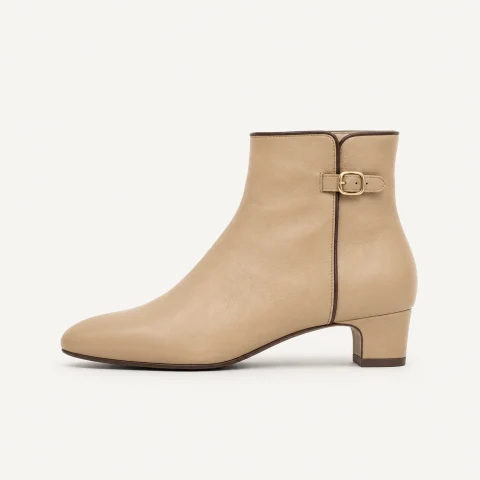
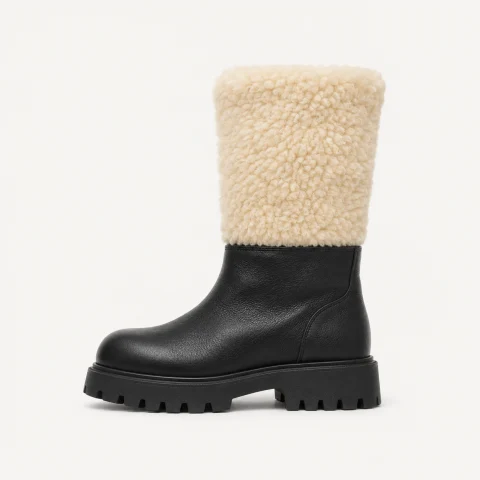
Open a category to see photos and counts for a few of its subcategories.
Shoes 240 items
Clothing 128 items
The detailed attribute and category taxonomy is proprietary to Odd Concepts. Contact us for access to the full demo.
Request a VXL demoVXL Services
Three services for different needs
Commerce Personalizer
Organize product images and descriptions by category and attribute for search and recommendations. Browsing, cart and purchase history inform personalized product lists and suggested audiences for promotions. The retailer sends the messages.
Data Search Studio
Extract, transform and classify a company’s images and text so people can search by image or ask questions in a conversation.
Custom AI Modeling
For tasks that existing features cannot readily handle, we identify the available data and the required output, then design and implement a model for the business.
Explore VXL with your own product data
Talk to us about the products you want to cover and how to connect before deployment. Use the API or exchange data files at a specified path.